Editorial photograph of a six-axis industrial robot arm in a factory setting
Independent robotics editorial · Updated

Learn Robotics Engineering Through Practical Tutorials

From Arduino prototypes to ROS 2 control and industrial PLC integration. Hands-on tutorials, hardware comparisons based on manufacturer documentation, and buying guidance for engineers, makers, and students in the USA and Canada.
44

Guides in the library

2

Browser calculators

7

Topic groups

USA · Canada

Standards focus

Build and Control a 6-DOF Robot Arm

Six practical tutorials that anchor this site — design and wire a robot arm with Arduino, control it with ROS 2, and integrate it into an industrial PLC workflow.

How to read this site: Robotics Engineering Lab is an independent editorial project about robot arms and classroom robotics. The Arduino, sensor, wiring and kinematics guides are built and tested in the classroom, with worked examples, real photos and code you can reproduce. A few pages cover industrial concepts (safety standards, PLCs, calibration) from official documentation rather than a bench test, and each one says so at the top.

Numbers come from manufacturer documentation, standards bodies (ANSI, CSA, ISO) or a calculation shown on the page. If a figure is wrong or outdated, send a correction.

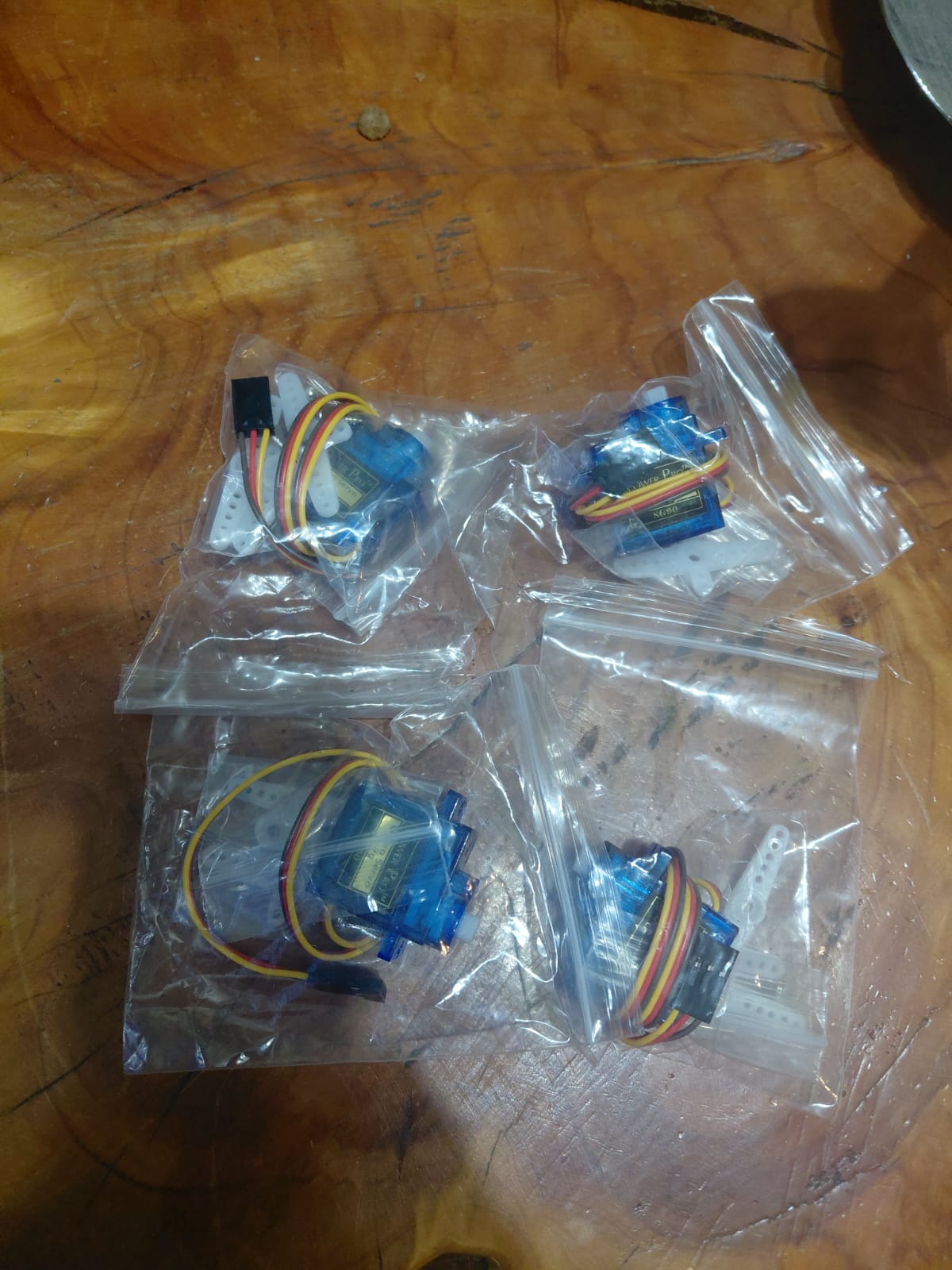
Several SG90 micro servos laid out on a classroom workbench for testing
Arduino · Real build

SG90 Micro Servo with Arduino

Wiring, PWM explained, three tested sketches and fixes for jitter and brown-out — photographed and tested in the classroom.

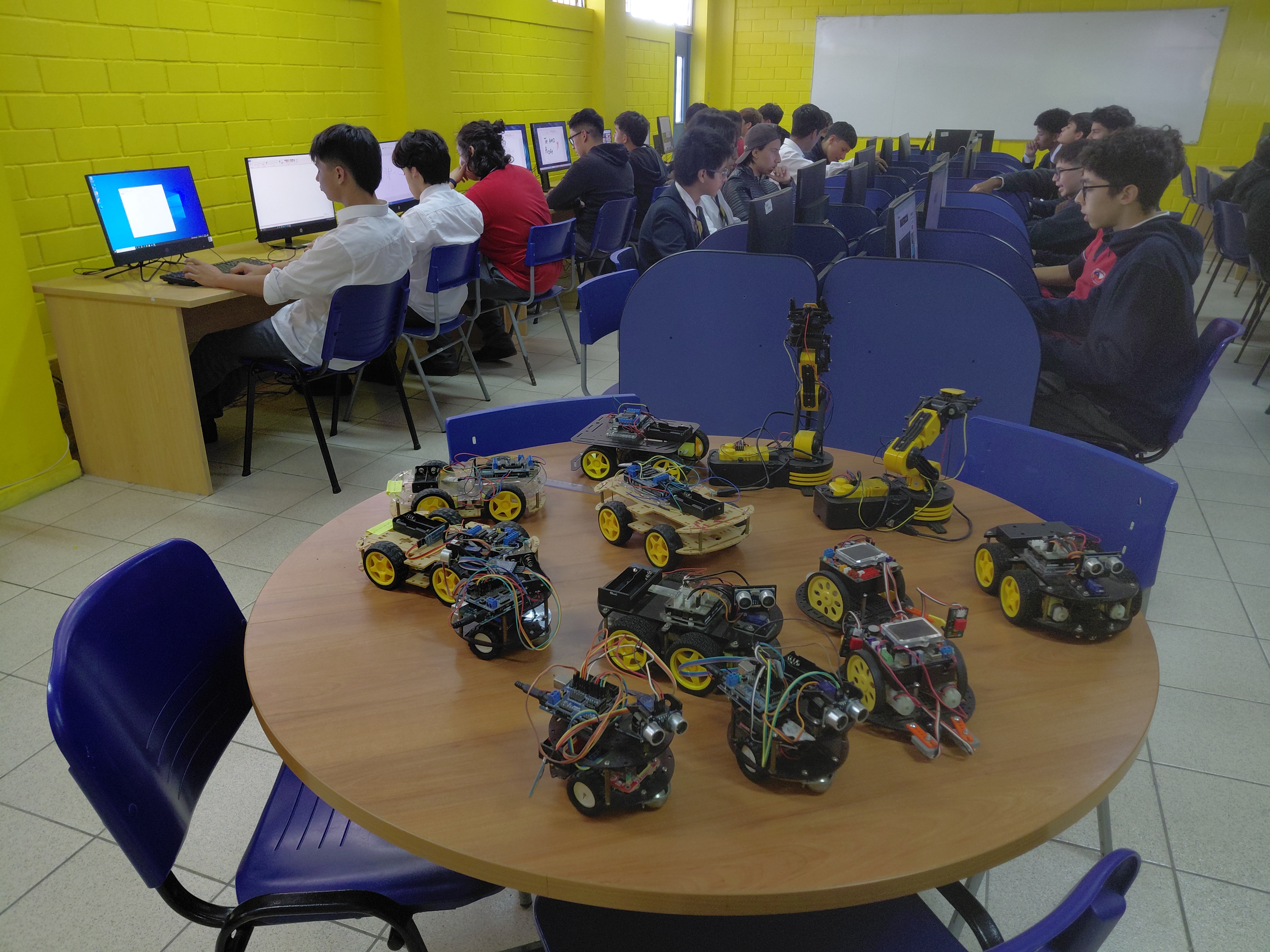
Students building Arduino robotics projects in a classroom lab
Arduino · Real build

Arduino Robotics in the Classroom

The real three-stage progression used in class — from a first LED blink to a Bluetooth voice-controlled car, with student lab photos and the pin-conflict bug every class hits.

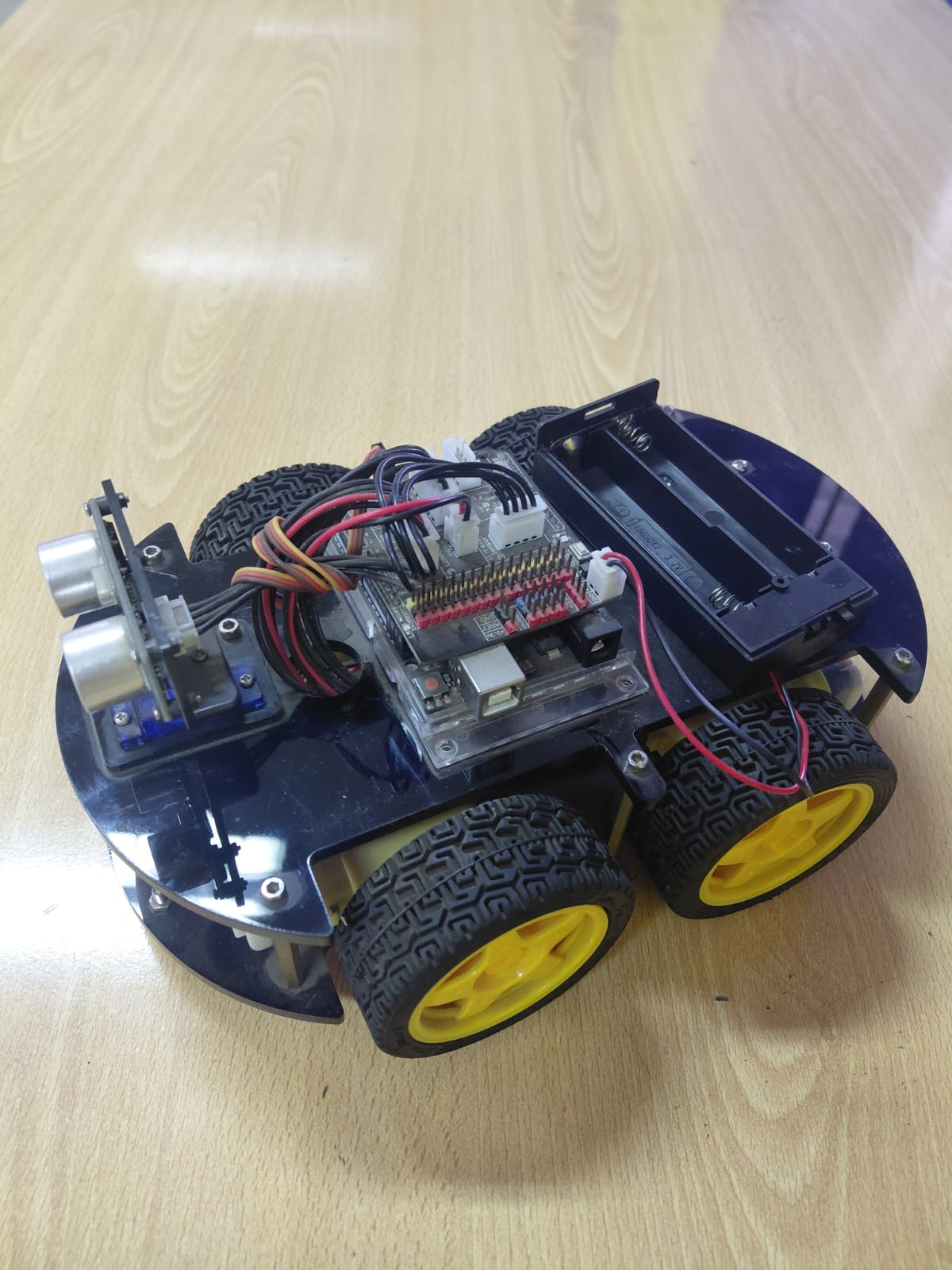
A 4WD Arduino robot car built by students, fourth-generation version
Arduino · Real build

Four Generations of Student Robot Cars

How four semesters of classroom robot cars evolved, each version fixing what broke in the last — six real photos, three sketches and honest failure notes.

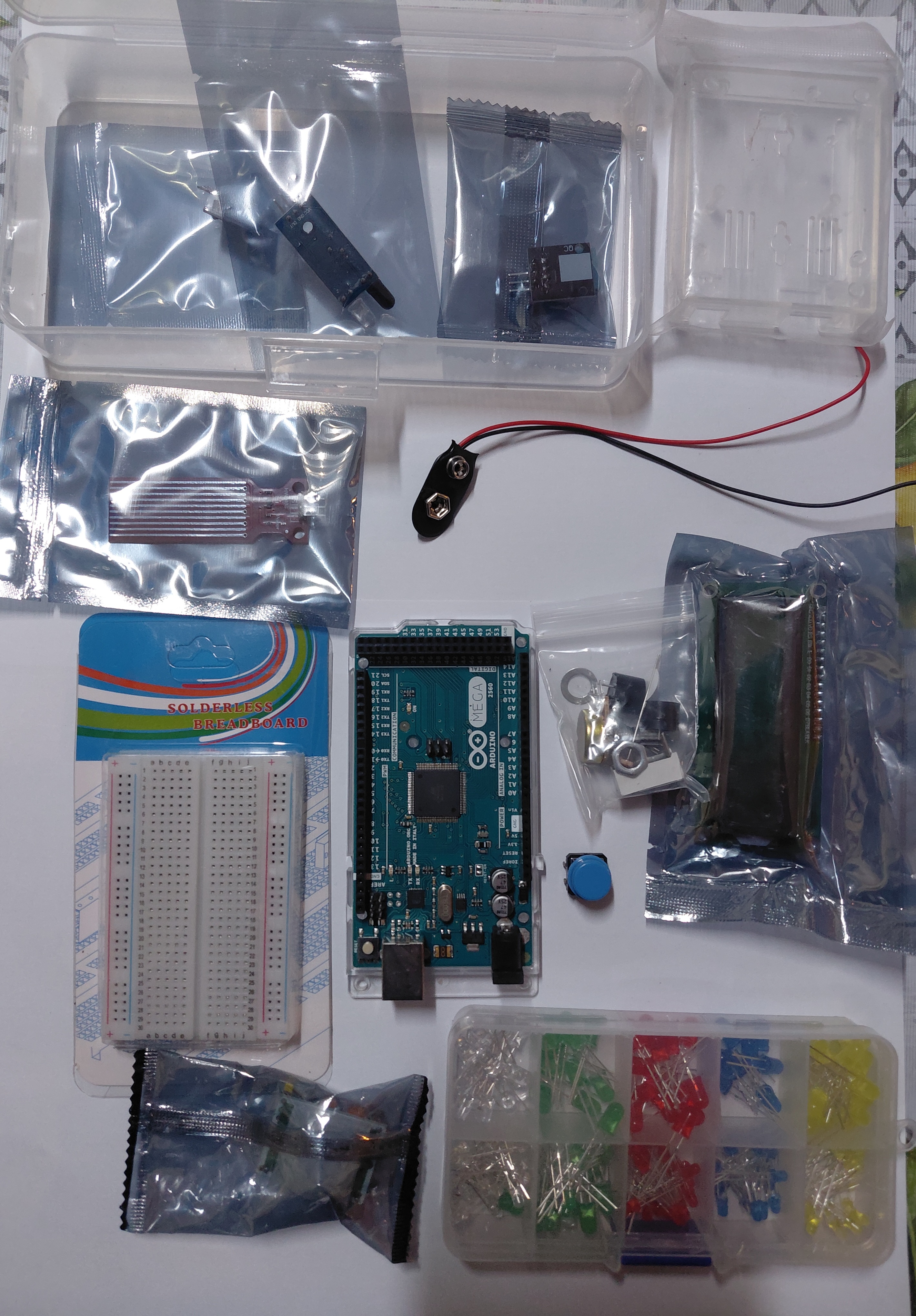
Arduino Mega starter kit components unpacked and labelled on a desk
Arduino · Real build

Arduino Mega Kit: What's Inside

A real starter kit unpacked and photographed in class — every component identified, what to skip as a beginner, and three first projects with working code.

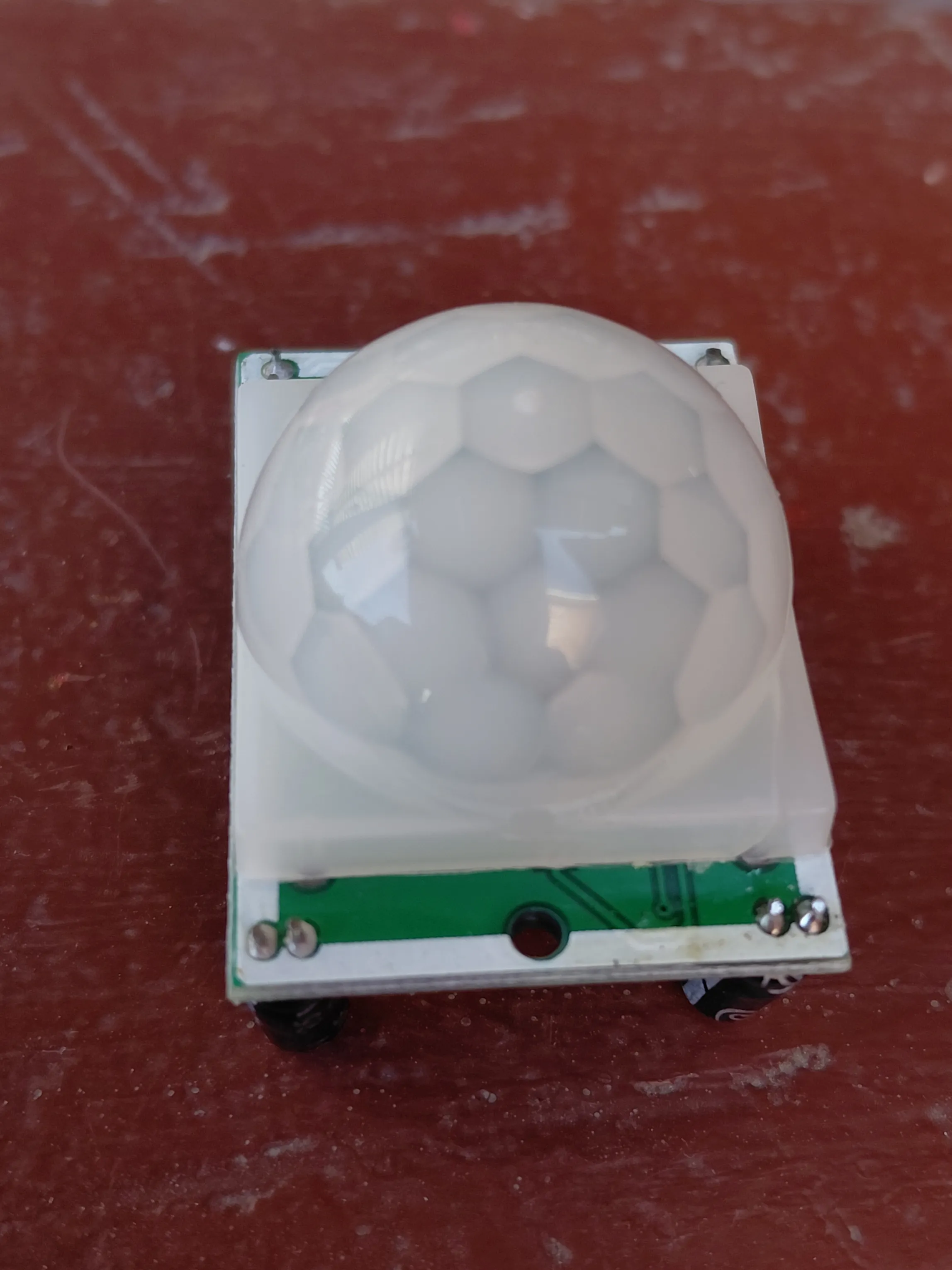
HC-SR501 PIR motion sensor module seen from the top, showing the lens
Arduino · Real build

HC-SR501 PIR Motion Sensor

What the two trimpots and the H/L jumper actually change, the 3.3V output margin problem on 5V boards, and a troubleshooting table for false triggers — with real module photos.

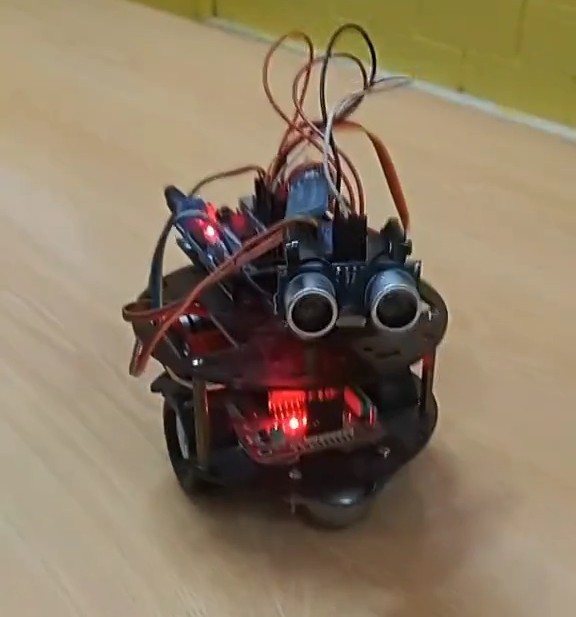
Arduino obstacle-avoiding robot car with an ultrasonic sensor mounted at the front
Arduino · Real build

Obstacle-Avoiding Robot Car

A real, built-and-tested Arduino car with an HC-SR04 sensor, motor driver and Bluetooth control — actual wiring, actual sketch, and the two bugs we found running it.

HC-SR04 ultrasonic sensor wired to an Arduino with an LED proximity alert, running on a breadboard
Arduino · Real build

HC-SR04 Ultrasonic + LED Alert

A real breadboard build: a 40-line sketch that lights an LED when something gets within 20 cm, with real photos and the Serial Monitor output explained.

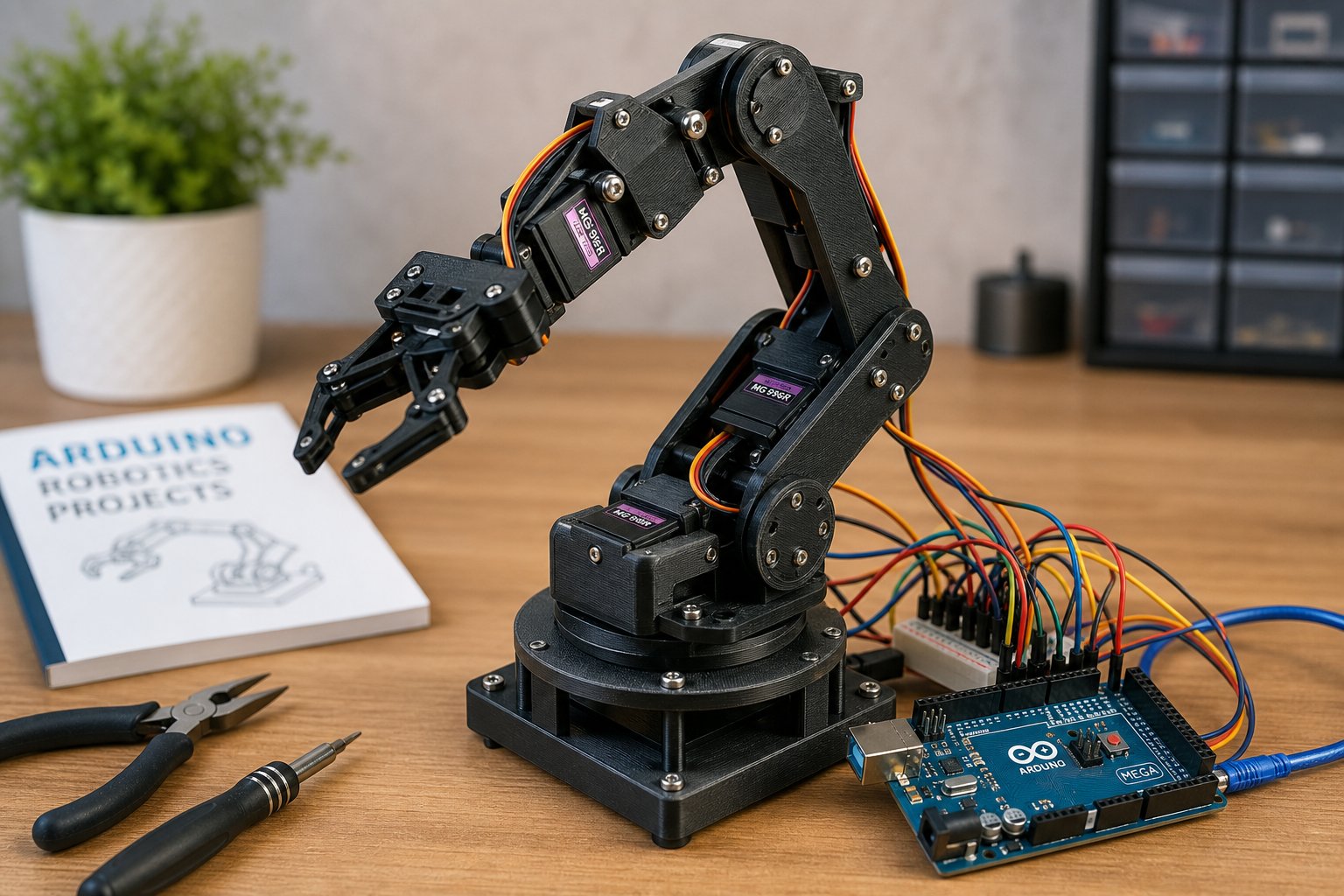
A DIY 6-DOF Arduino robot arm with servos and 3D printed parts on a workbench
Arduino

Build a 6-DOF Robot Arm with Arduino

Design, wire, and program a six-degree-of-freedom robot arm using an Arduino Mega, a PCA9685 servo driver, and inverse kinematics.

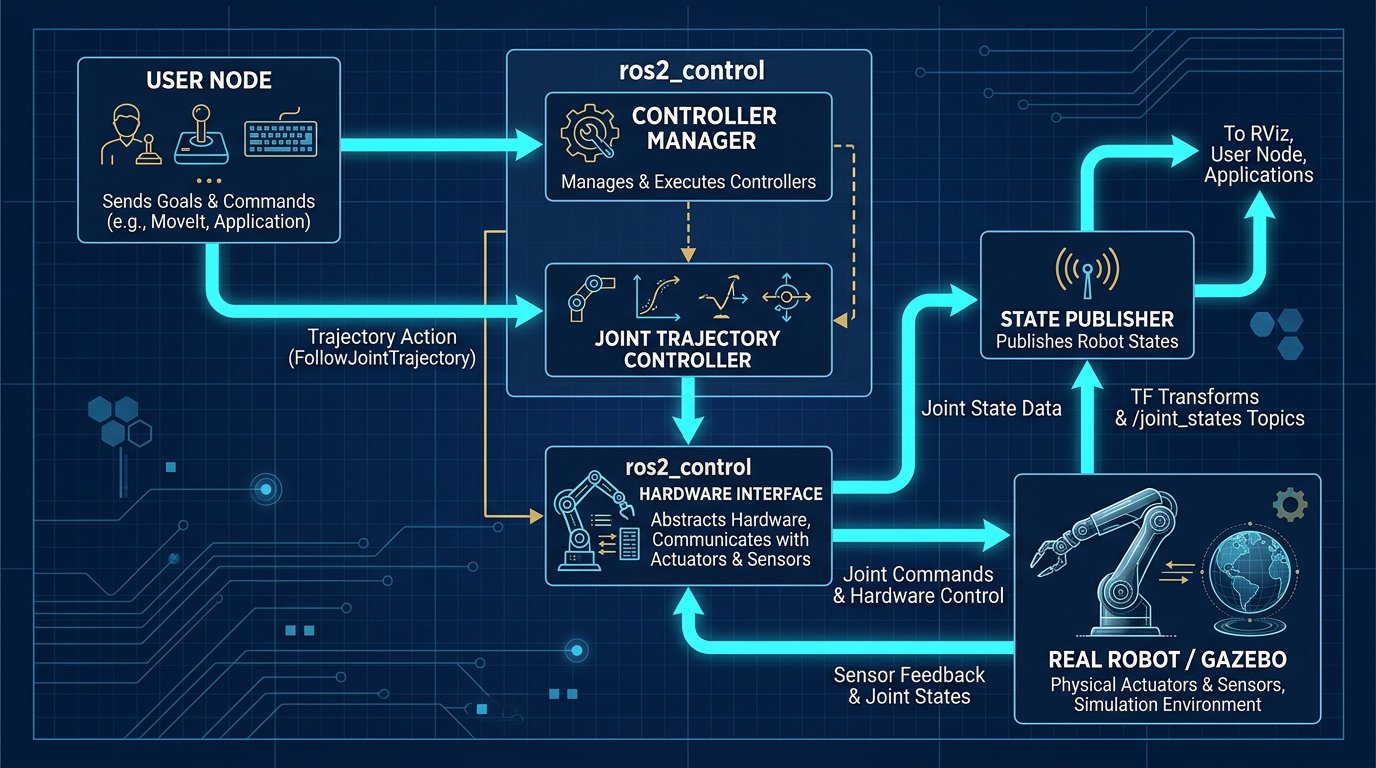
Editorial flowchart of the ROS 2 control stack for a robot arm
ROS 2

ROS 2 Control Framework for Robot Arms

Configure ros2_control hardware interfaces and controller managers to drive a real or simulated robot arm from ROS 2.

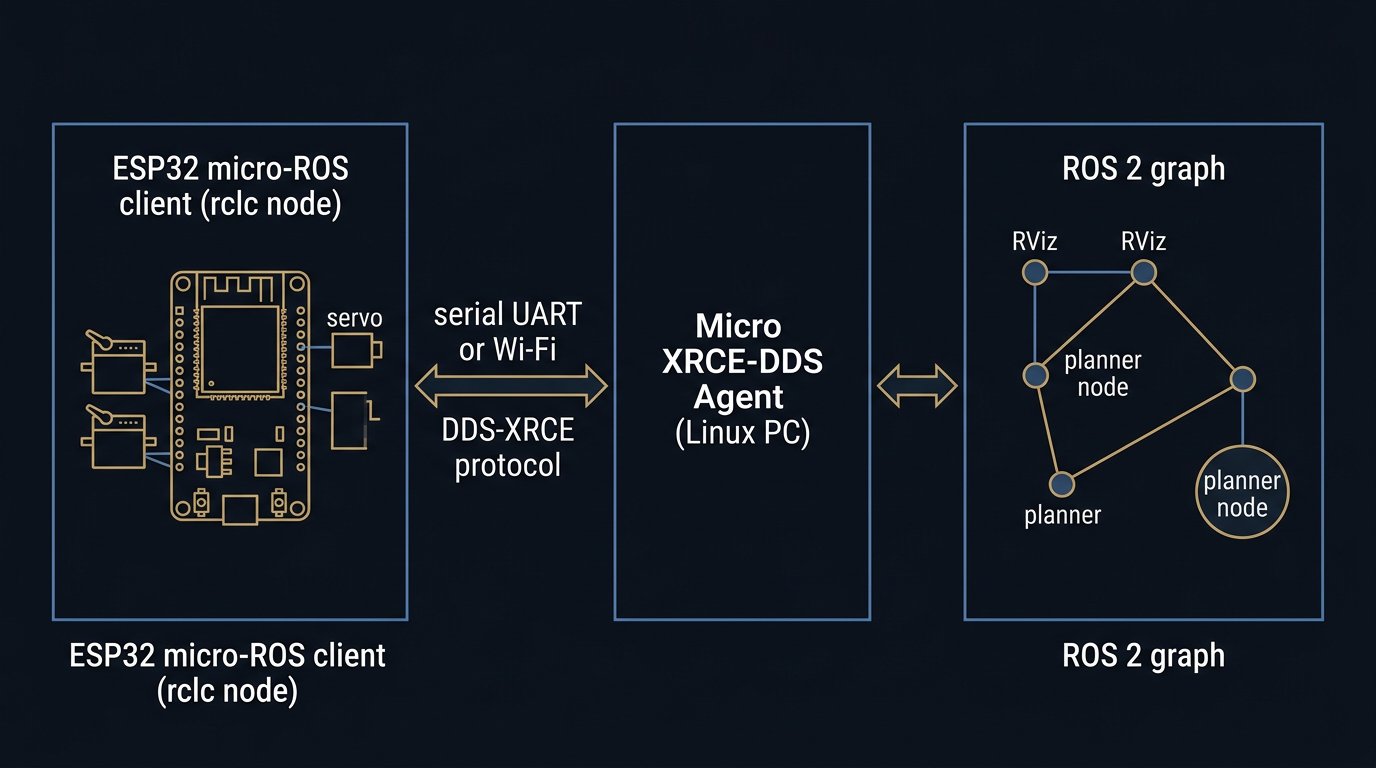
Editorial diagram of the micro-ROS stack: ESP32 client over serial or Wi-Fi to an XRCE-DDS agent and the ROS 2 graph
ROS 2

micro-ROS on ESP32: Robot Arm Nodes

Run a real ROS 2 node on an ESP32 through the XRCE-DDS agent, with wiring, agent setup, commissioning checkpoints, and message-rate budgets.

Industrial 6-axis robot arm on a factory floor, the setting for symptom-to-cause fault diagnosis
Maintenance

Robot Arm Troubleshooting: Diagnosis

A symptom-to-cause method that separates electrical, software, mechanical and safety faults, with test points, pass criteria and escalation rules.

A DIY six-DOF robot arm with stepper motors and 3D printed links on a workbench
Arduino

Stepper Motor Robot Arm: Sizing

Size stepper joints by gravity torque, torque-speed curves, reflected inertia, microstepping limits, driver current and the closed-loop decision.

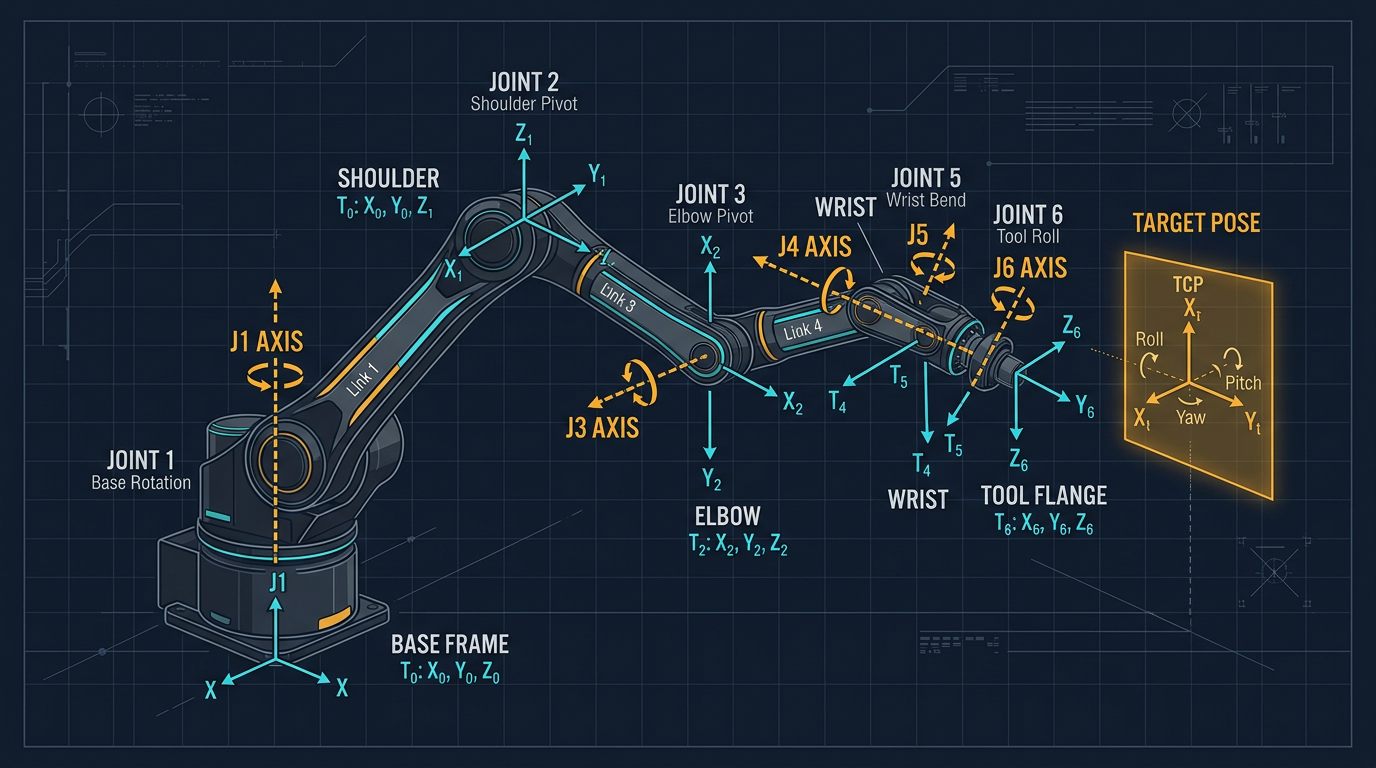
Blueprint diagram of 6-DOF robot arm kinematic frames and the transforms a hand-eye calibration connects
Vision

Hand-Eye Calibration: 5 Checkpoints

A commissioning method for robot-camera calibration: pose sets with real rotation diversity, OpenCV AX=XB solvers, residual checks and a touch test.

A 6-axis industrial robot arm executing a 4-point Tool Center Point calibration against a fixed reference pointer
Calibration

TCP Calibration: 4-Point Math

Step-by-step least-squares sphere fitting math, 6-point orientation alignment, residual error diagnostics, and ISO 9283 verification.

Editorial diagram of a robot arm servo power system with separate logic and actuator supplies and a capacitor bank
Arduino

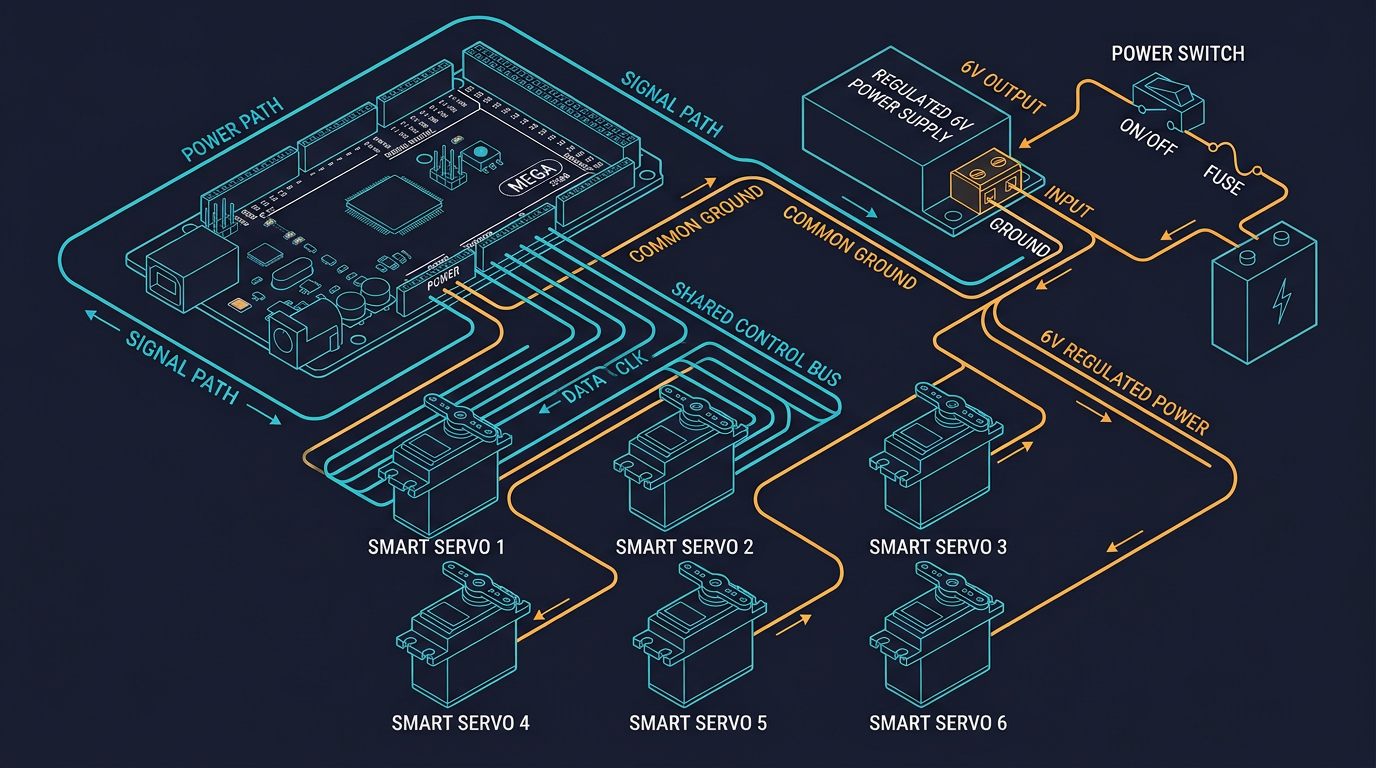
Robot Arm Power Supply Sizing: 5 Steps

Budget stall current, inrush and brownout, then wire and commission a DC supply with worked examples and checkpoints.

A 6-axis robot arm in a bright workspace, representative of the educational arms compared in the buying guide
Buying

Best Robot Arm for Education 2026

Compare AR4, Dobot, Niryo Ned2 and UFACTORY xArm by budget, payload, ROS support and classroom safety in a constraint-based guide.

By Alberto Gallardo

Computer Science and Robotics teacher. The hands-on Arduino and sensor project guides on this site are built and tested in the classroom. Industrial hardware pages are compiled from official datasheets and public standards — stated clearly on each page.

A Cross-Section of the Site

A sample of guides across topics — from inverse kinematics theory to industrial safety compliance and hardware comparisons.

All Tutorials, Organized by Topic

Every guide published so far, grouped into practical categories so you can jump straight to what you need.

Reviews & Buying Guides

1 tutorial

Open the full tutorial library →

Questions or a correction?

There is no mailing list. If a wiring step, spec or standard citation is wrong, write to us and we will update the page.